Language Hub, s. r. o.
Language Hub Teachers' Wiki
Equipment
(Restore this version)
Modified: 11 November 2020, 3:27 PM User: Josef Milon | Language Hub →
Printers and scanners
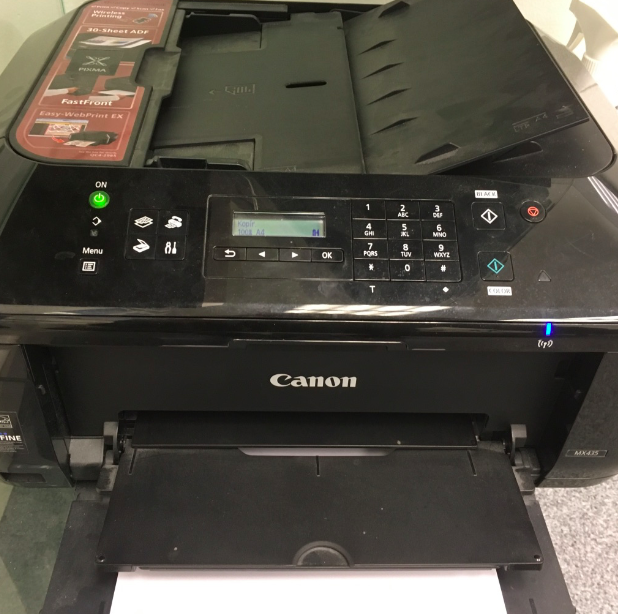
Hub #2: Ink printer Canon Pixma MX435.
It allows
- b/w print over wi-fi (network Language Hub Guest)
- b/w copy
- scan
There is an ADF (Automatic Document Feeder) for easier copying and scanning.
Please, use it reasonably. Thank you.
Audio
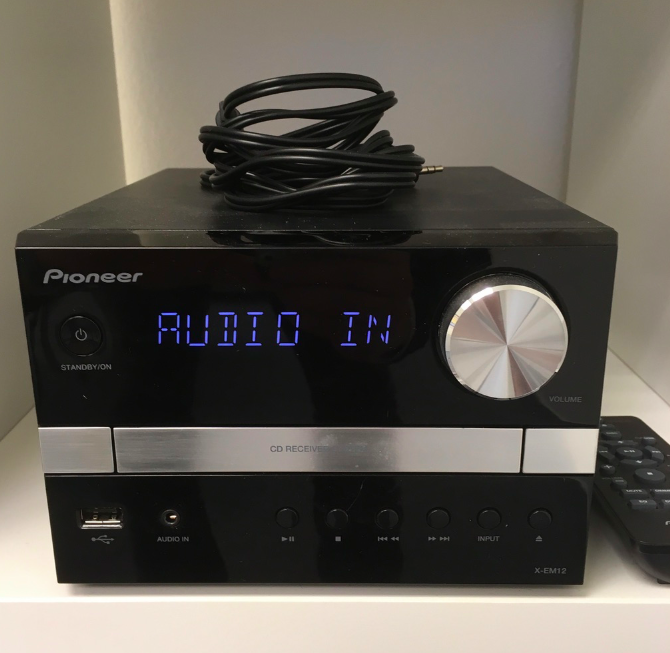
There is a hi-fi system in every room. Listen your CDs or connect it with your PC, tablet or phone via 3,5' jack (available in rooms).
Air-conditioning and heating
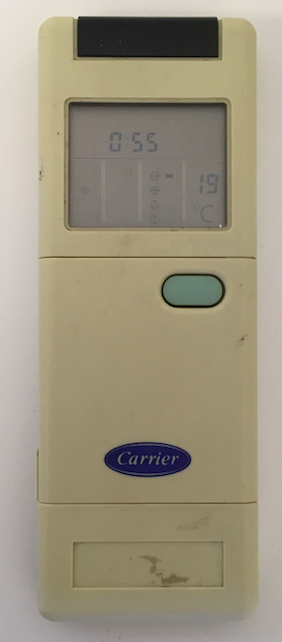
Use the A/C units with respect to your health. Turn off all units when leaving the classrooms.
Slats
Use the electric slats to protect the rooms against light and heat. Push the central button of the controller to set the slats to the default position when leaving the classrooms.
Water dispenser
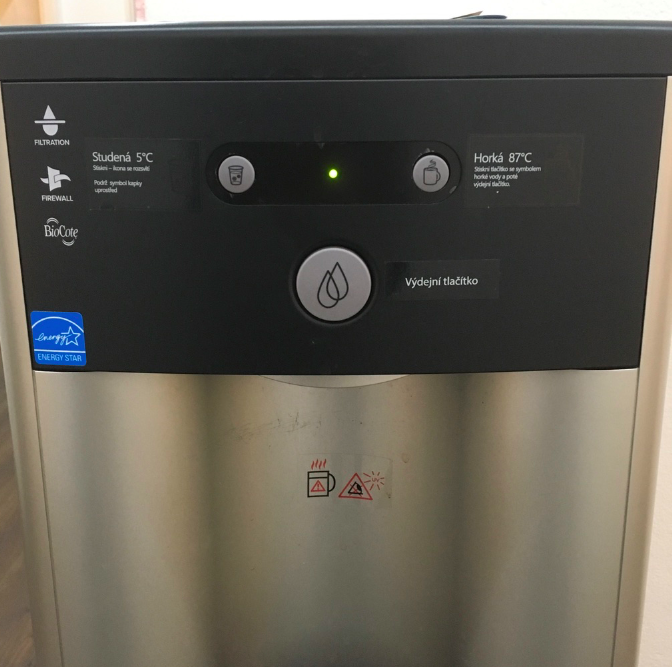
Dispenser supplies with filtrated cold (approx. 7-10 °C) or hot water (approx. 87 °C) water. Use it whenever you want to. Keep your organism hydrated.
Door system
Chip card is necessary to open main door and 4th floor door. When leaving, there is an electric eye which will open the door for you.
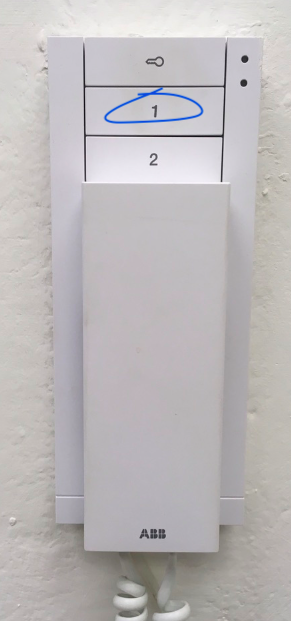
When you are waiting in the classroom, student will use the doorbell downstairs. This is indicated by the sound and blue light in the phone. To open the door, push the button "1", which will be indicated by the red light.
Fire situation
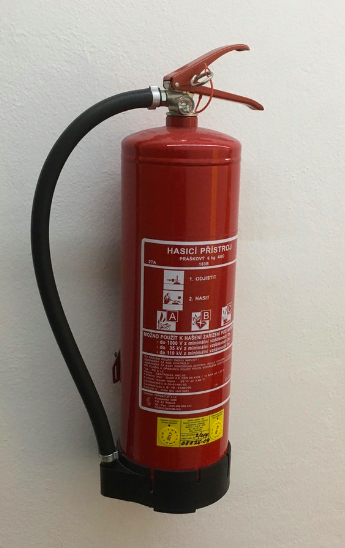
There is a fire extinguisher on the 4th floor. In case of fire, follow these steps:
- Protect your health and life (go to the exit door). Do not use the elevator.
- Call 150 and provide the authorities who is calling and where is the fire situation
- Help others, if possible
- Use extinguisher to protect the area. Do not put yourself in the risk!
Is the information on this page incomplete or incorrect? Let us know.