Language Hub, s. r. o.
Language Hub Teachers' Wiki
Virtual classrooms
(Restore this version)
Modified: 29 October 2020, 6:31 PM User: Josef Milon | Language Hub →
Basic parameters
Systems: BigBlueButton 2.2.2, Moodle 3.1.
Technology: HTML5
Minimal requirements: Check the producer webpage
Virtual classroom identification: "Virtual Classroom [Course code]". Example: Virtual Classroom [C 072].
Link: It is a string "https://www.language-hub.org/mod/bigbluebuttonbn/view.php?id=[xxxx], where last digits are unique. This is a permanent link.
Virtual classroom access:
Two options:
-
- Main Page > Dashboard > Course > Virtual Classroom > Join lesson
- Permanent link > Join lesson
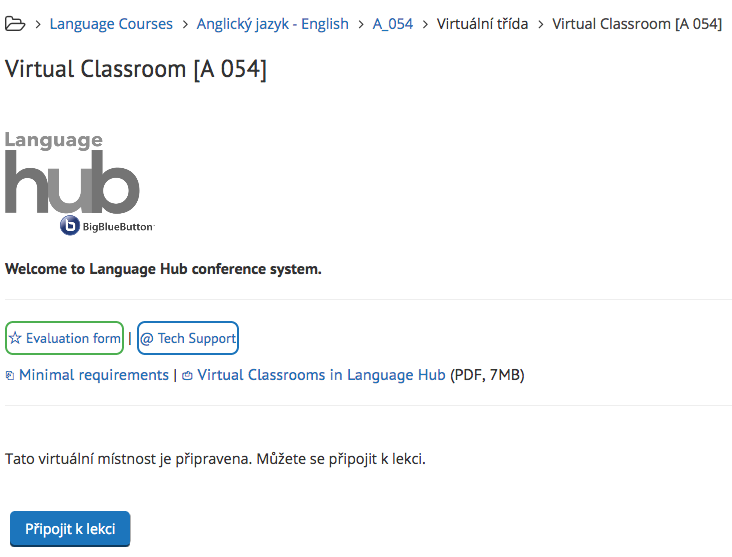
Connect the microphone (your browser will ask you for the permission when being used for the first time.
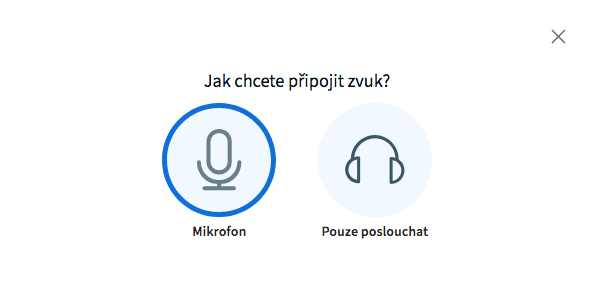
Go through the echo test and confirm the dialogue.
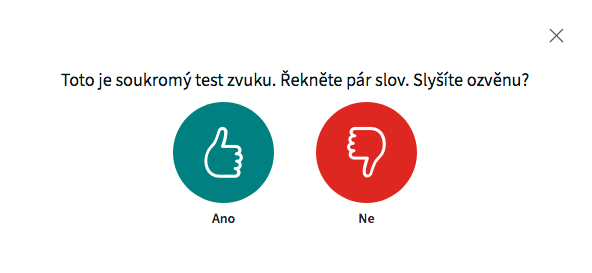
If you can't hear yourself from your speaker, you won't be heard in the classroom. Hit the red button and follow further instructions in the following dialogue.
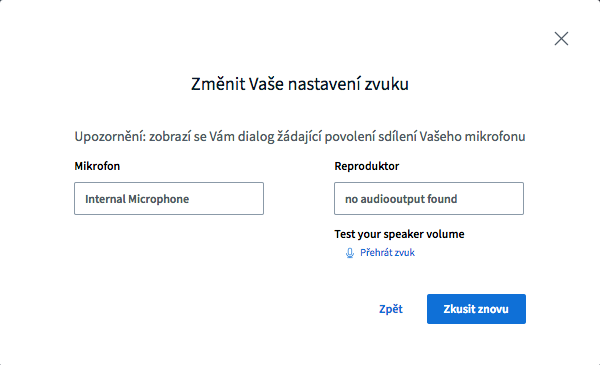
You are now connected to the virtual classroom.
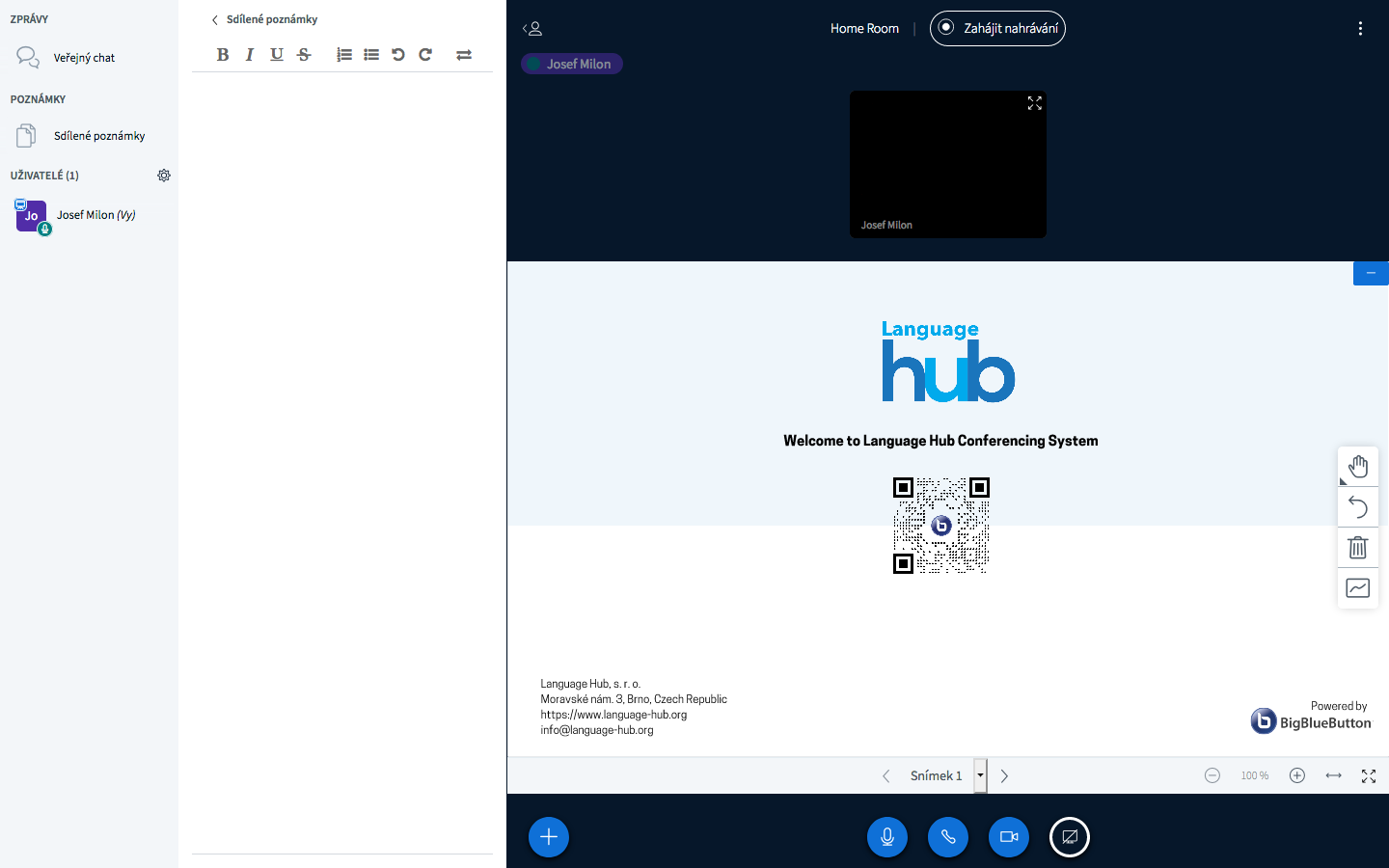
Start sharing your camera by clicking the small rounded button at the bottom of the page.
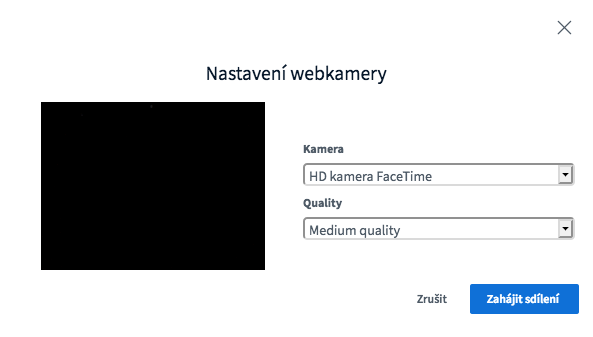
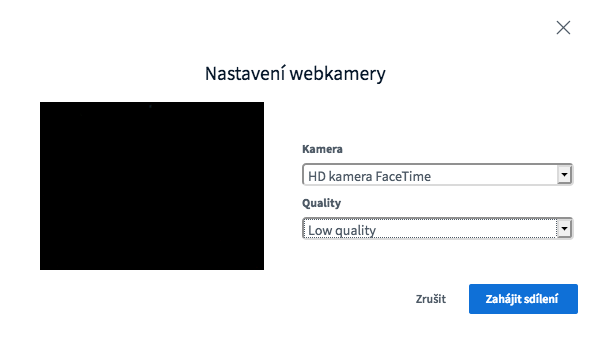
Select "Low quality" if you have slower Internet connection.
Presentation content in the classroom
There are POTX templates for your usage:
- light mode: https://www.language-hub.org/hubrepository/bbb_template_canva_extended_2020.potx
- dark mode https://www.language-hub.org/hubrepository/bbb_template_canva_extended_dark_2020.potx
These templates secure the optimal display in the virtual classroom. Please use them only.
Upload the prepared material to the classroom by hitting the button "+".
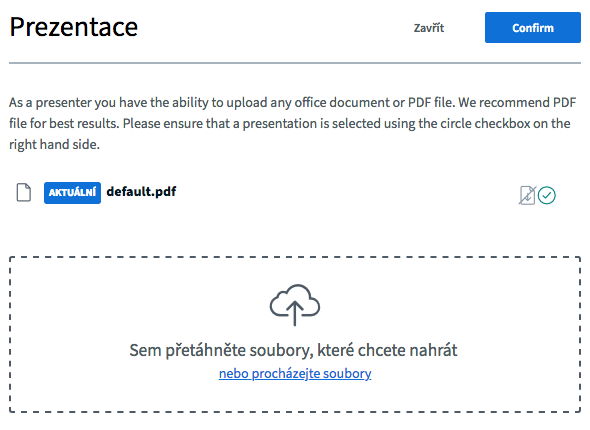
Enable users to download the presentation by selecting this option.

Store the presentations to the course folder for students' usage (e.g. if they miss the class)
Prezenční listina pro virtuální třídu
Pro virtuální třídu se vyplňuje papírová prezenční listina. Podpis studenta/studentů je nahrazen zřetelným symbolem o konání (například fajfkou) a parafou lektora. Soubor pro tisk prezenční listiny vygenerujete v kurzové složce příslušného kurzu. Více ve FAQ: https://www.language-hub.org/mod/wiki/view.php?pageid=803. - neplatné od 07/2020 - vyplňuje se pouze elektronická třídní kniha
Hints
Chat window export
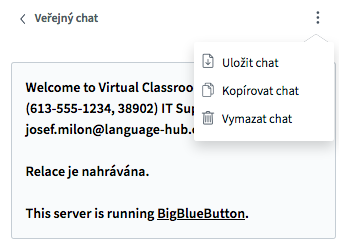
Warning: When the lesson is ended, the contents of the chat window will no longer be available.
Shared notes
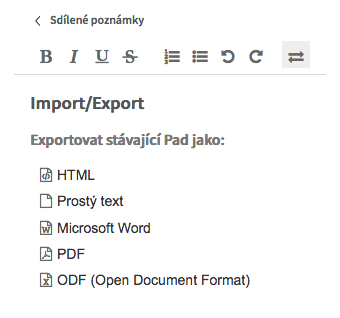
This collaborative tool allows users to participate in real-time text creation/revision. It is possible to export the contents in different formats.
White board
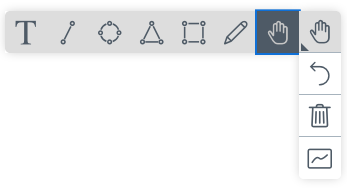
There are different tools available for usage in the whiteboard.
What if
You disconnect from Internet
The system keeps the current virtual classroom. Until you log out from the classroom, all contents will be available. If you disconnect from the Internet (or your computer freezes), simply return to the classroom as soon as possible. No information will be lost and users will be still connected.
Your sound or camera stop working
Refresh you browser and check your Internet connection. If the problem persists, contact us via email info@language-hub.org or call us at +420 544 212 355.
Is the information on this page incomplete or incorrect? Let us know.